


Your family’s story, beautifully told so your children actually want to explore it.


AN EXAMPLE FAMILY

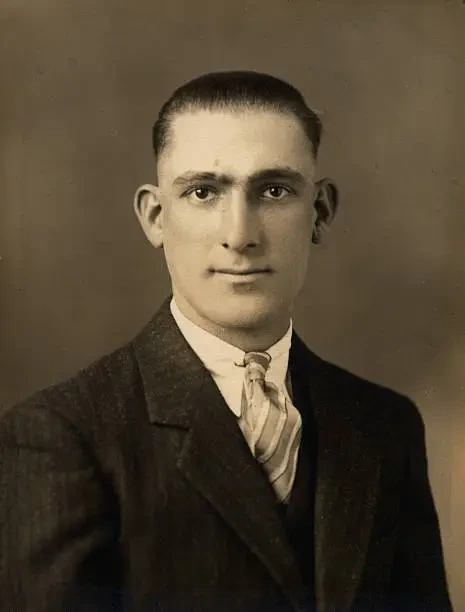

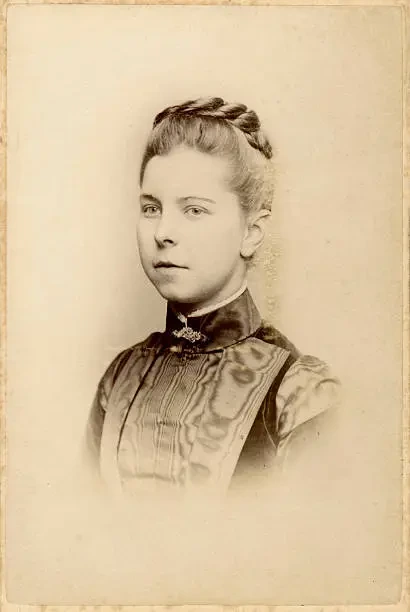


Save the stories
while someone still remembers.
Keep the stories that made your family. Add what you know—Kinvella connects the details into a visual story that’s simple to build and fun to explore.
 People
 NaplesNew York
Places
NaplesNew York
Places
 Married
Tailor shop
Timeline
Married
Tailor shop
Timeline
 Milestones
Your family story stays yours. Ownership, export & deletion



KinRoots
See connections.See connections.
Explore your family tree and discover the relationships that tie your story together across generations.

KinLine
Follow history.Follow history.
View important milestones and key events that shaped your family’s journey across the years.

Giovanni J.
Birth
Ruvo del Monte
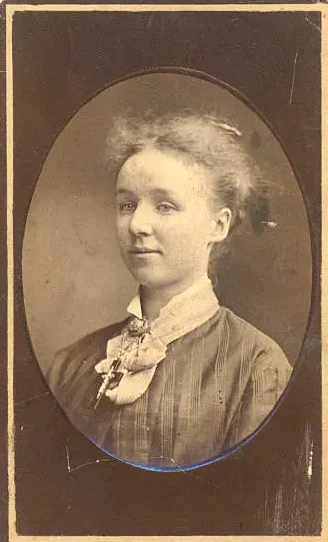
Rosa J.
Birth
Ruvo del Monte
Giovanni J. & Rosa J.
Marriage
Giovanni J.
Migration
Naples
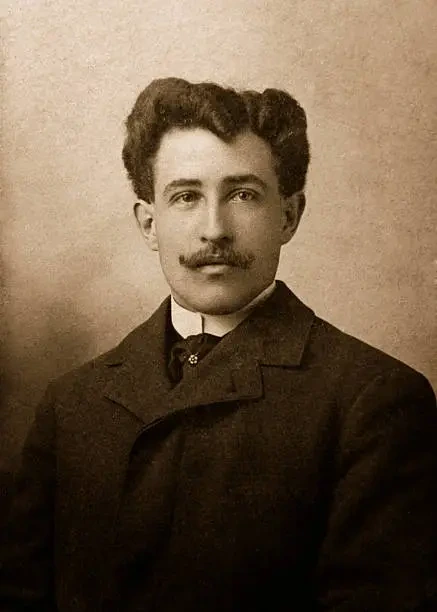
Antonio J.
Migration
N.Y.
Giovanni J.
Migration
N.Y.
Giovanni J.
New Job

Henry J.
Migration
Buffalo
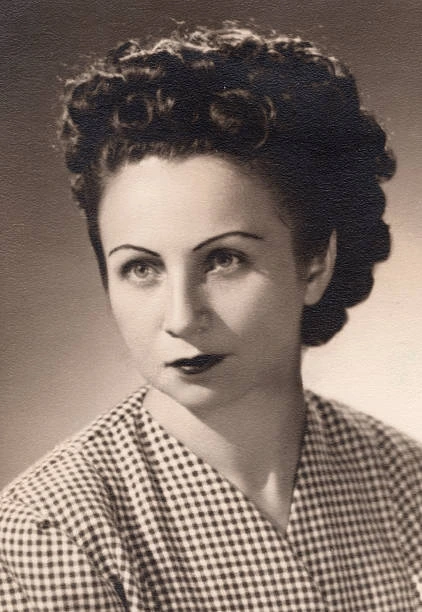
Rose J.
Birth
Buffalo
Giovanni J.
Birth
Rosa J.
Birth
Giovanni J. & Rosa J.
Marriage
Giovanni J.
Migration
Antonio J.
Migration
KinJourney
Trace journeys.Trace journeys.
Explore migration routes, key milestones, and the places that shaped your family legacy.

KinSight
Compare resemblance.Compare resemblance.
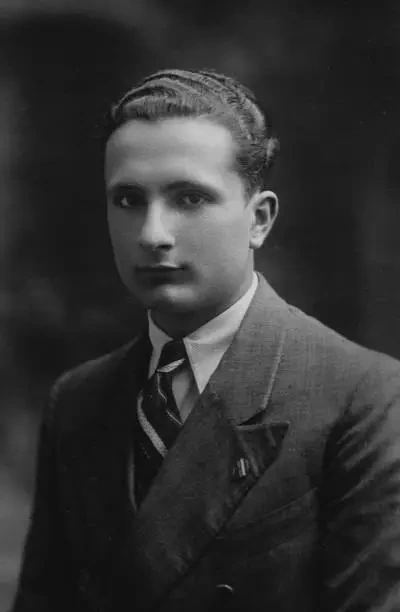
Compare facial similarities and discover resemblances that connect your family story across time.

KinCrest
Create a symbol for your story.Create a symbol for your story.
Choose meaningful colors and symbols. Create a crest that celebrates your family’s story.

Choose the colors and symbols that feel like family.
WHY KINVELLA
Private, simple, and made for families.Private. Simple. Beautiful.

Private
Your family.Your story.

Simple
Easy to start.Easy to use.

Beautiful
Clean display.Curated look.

Share
Share stories.View-only links.

Preserve
Save today.Pass it on.
FAQ
Simple answers before you begin.Simple answers before you begin.
What is Kinvella?
Kinvella helps you turn family names, photographs, places, and memories into a connected, interactive family story. Instead of keeping everything in separate folders or documents, you can explore your family through a tree, timeline, migration map, portrait story, and family crest.
Can I begin with just one person?
Yes. You can begin with yourself, a parent, a grandparent, or any relative whose story you want to preserve. You do not need to have your entire family history prepared before starting. Your starter family includes examples you can replace with your own people.
Is Kinvella a genealogy research service?
Kinvella is primarily designed to help you organize, preserve, and present the family information you already know. It is not currently a historical-record search service like a traditional genealogy database.
What is included in the free plan?
The free plan lets you create profiles for up to 7 people and explore Kinvella’s core family-story tools. No credit card is required to begin. Visible starter examples count toward this limit until you replace or remove them.
What happens when I reach the free-plan limit?
Your existing information remains available. To add more people beyond the limit, upgrade your plan or remove a person to make room. You can still replace a starter example with a real relative without using an extra place.
Is my family information private?
Your family workspace is private by default; it is not published automatically. If you choose to create a Story link, anyone with that link can view the family content you selected. You can disable the link when you no longer want to share.
Can I export or delete my information?
Yes. You own the family content you add. In Account → Privacy & Data, download a ZIP archive of your owned family data and available photographs, or permanently delete your account and the family it owns. Canceling a paid plan is separate from deleting your account.
Can I cancel a paid plan?
Yes. Open Account → Plan & Billing to manage your subscription through Stripe. The portal shows when cancellation takes effect. If you cancel at the end of the billing period, paid access continues until that date and the plan does not renew. After a downgrade, your information is preserved. If it exceeds the new limit, you can view, export, or remove people, but additions and edits pause until you are within the limit or upgrade.
How does Kinvella use uploaded photographs?
Uploaded photographs are stored as private family media and served only to authorized accounts, unless you include them in a public Story link. Photo validation and KinSight comparisons may send portraits to Amazon Rekognition. Comparison results are saved for reuse until a selected photo changes. Kinvella does not enroll your portraits in its own searchable face collection.